Summary
Employee Unable to Clock In
Description
Terminals not allowing New Employee to Clock in
Solution
To solve this issue, do the following
1. MOD will need to log into NBO
2. Click on Workflow
3. Click Employee Export then click Run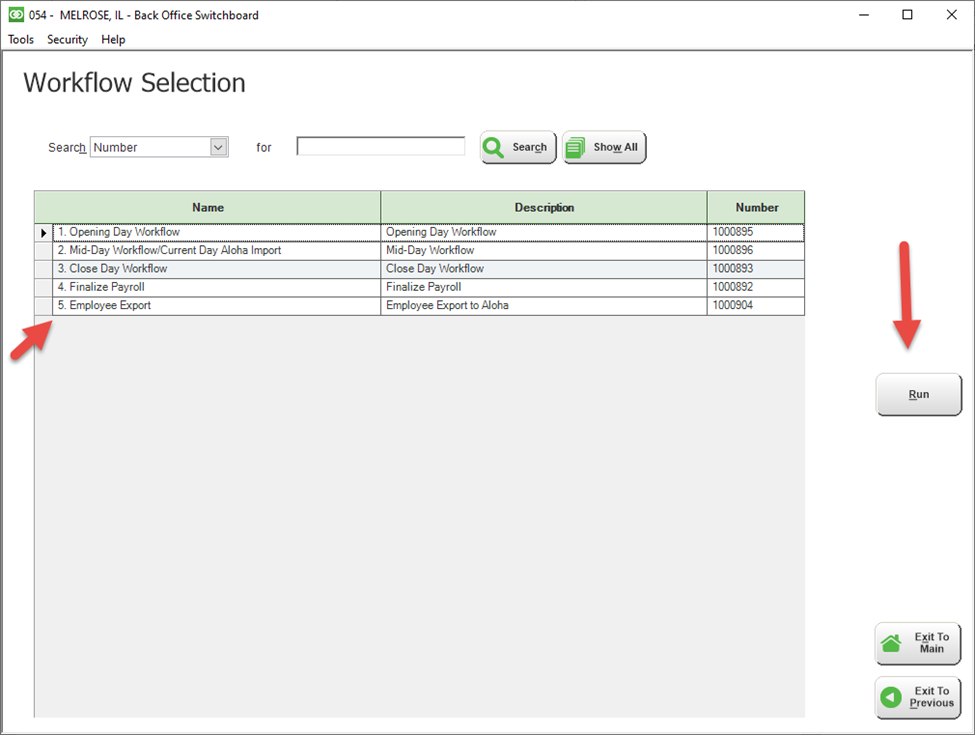
4. Log into Aloha CFC
5. Make sure no one is using the FOH Terminal
6. Click Utilities --> POS --> POS Refresh and ALL Installed Products
7. Have employees try to clock in after the terminals reboot.
Comments
0 comments
Please sign in to leave a comment.